Black Stone Row · Mac
Walk away.
It handles the rest.
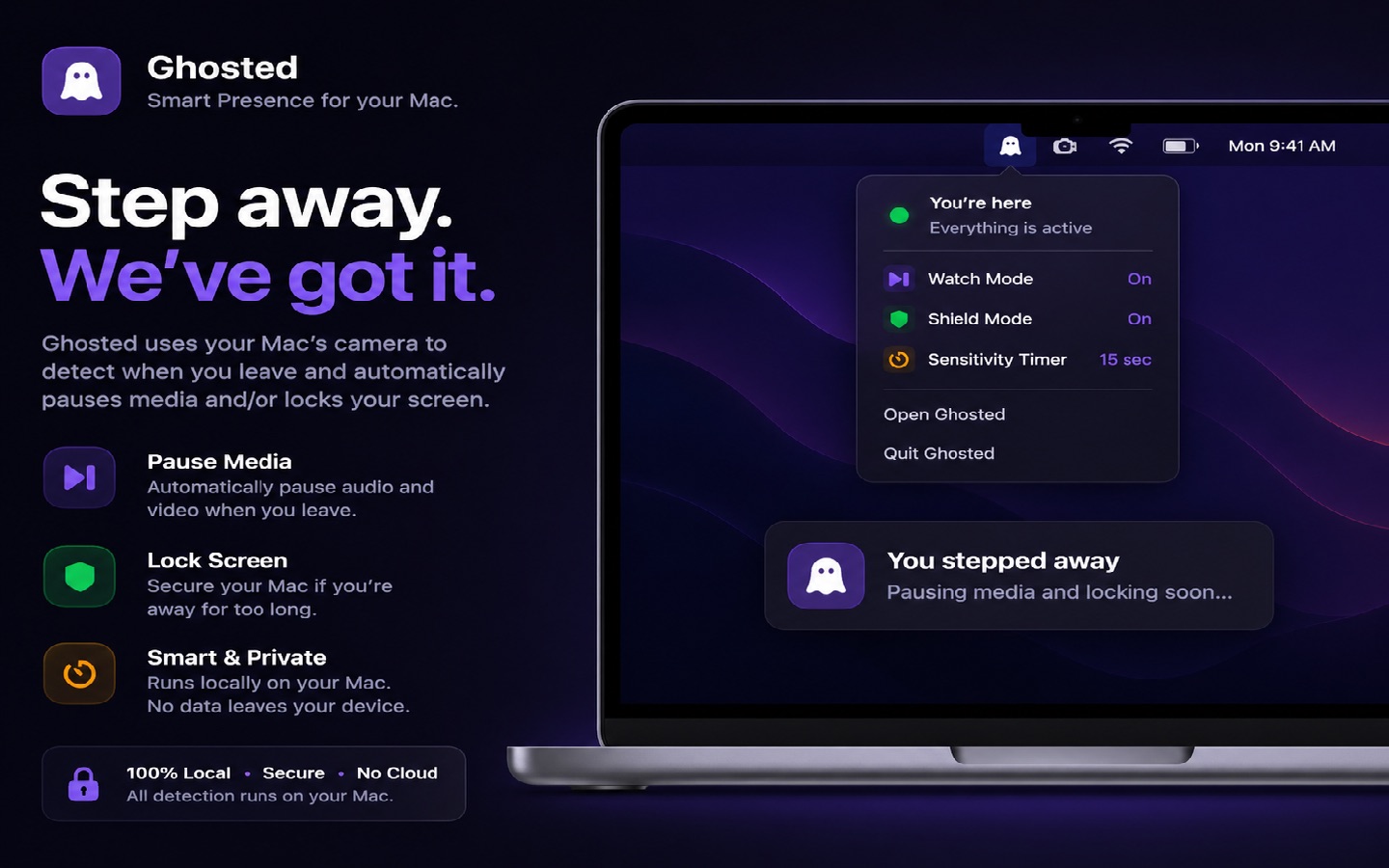
Ghosted knows when you step away from your Mac. It pauses your media, locks your screen, and welcomes you back.
Get Ghosted See how it works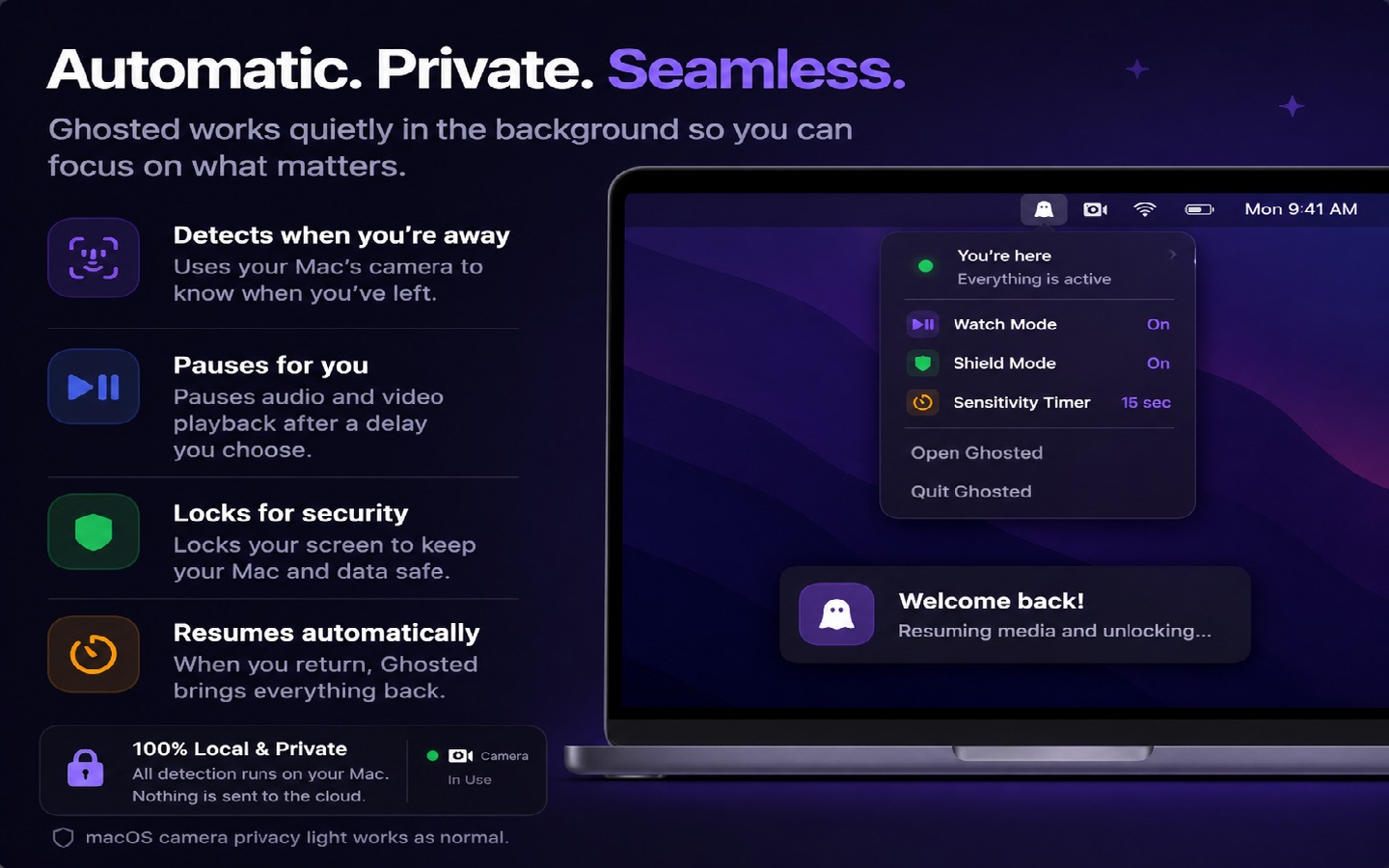
How it works
Presence, handled quietly.
01
It sees you leave
Ghosted uses your Mac's camera to detect presence. The moment you walk away, it knows. All processing happens on your Mac.
02
It pauses and locks
Watch Mode pauses your media. Shield Mode locks your screen. Your Mac takes care of itself while you're gone.
03
It welcomes you back
Sit down and everything resumes. Your music picks up where it left off, right where you left it.
Features
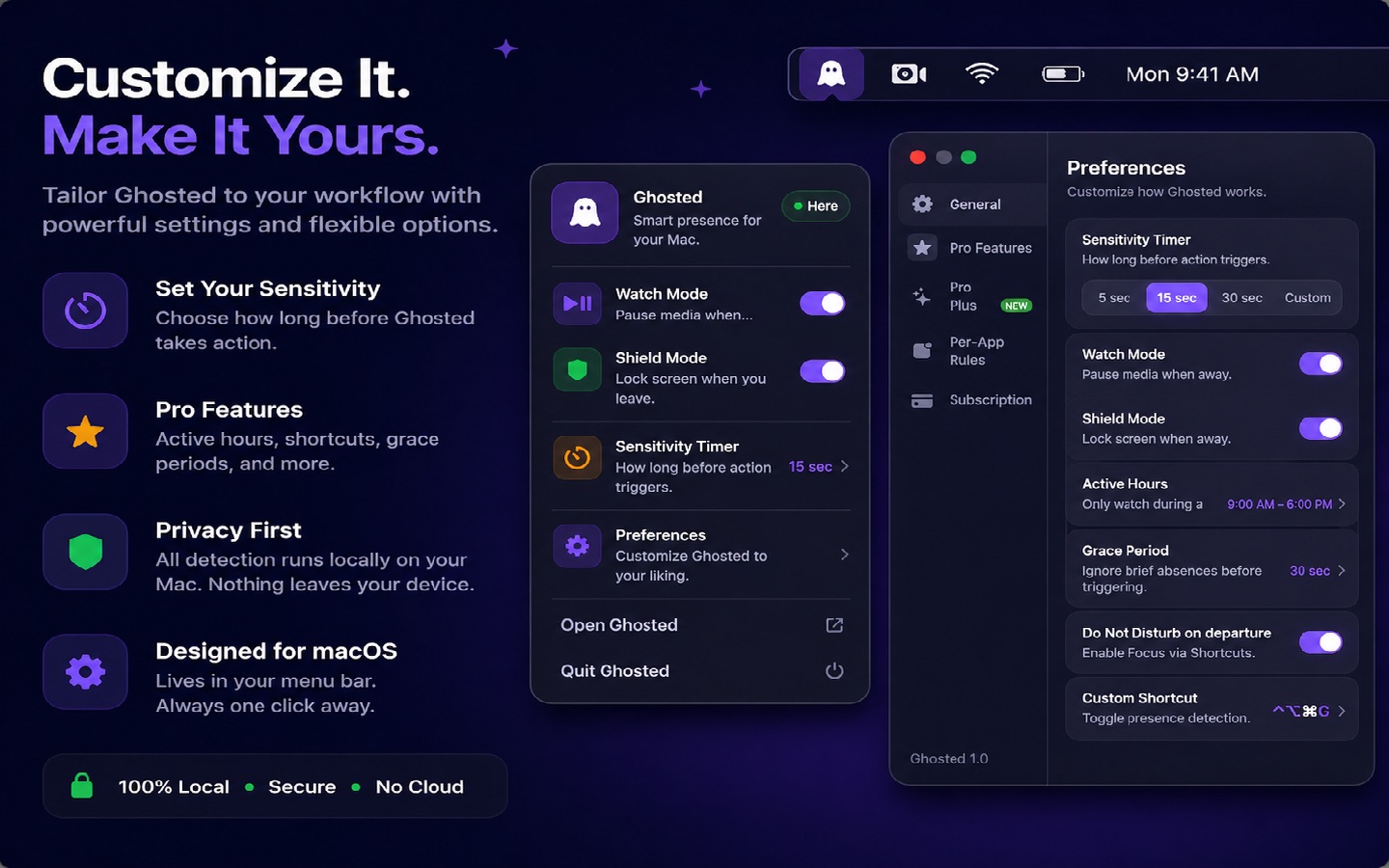
Set it once. Forget it.
Watch Mode
Pauses music and video when you leave, resumes when you return.
Shield Mode
Locks your screen the moment you step away.
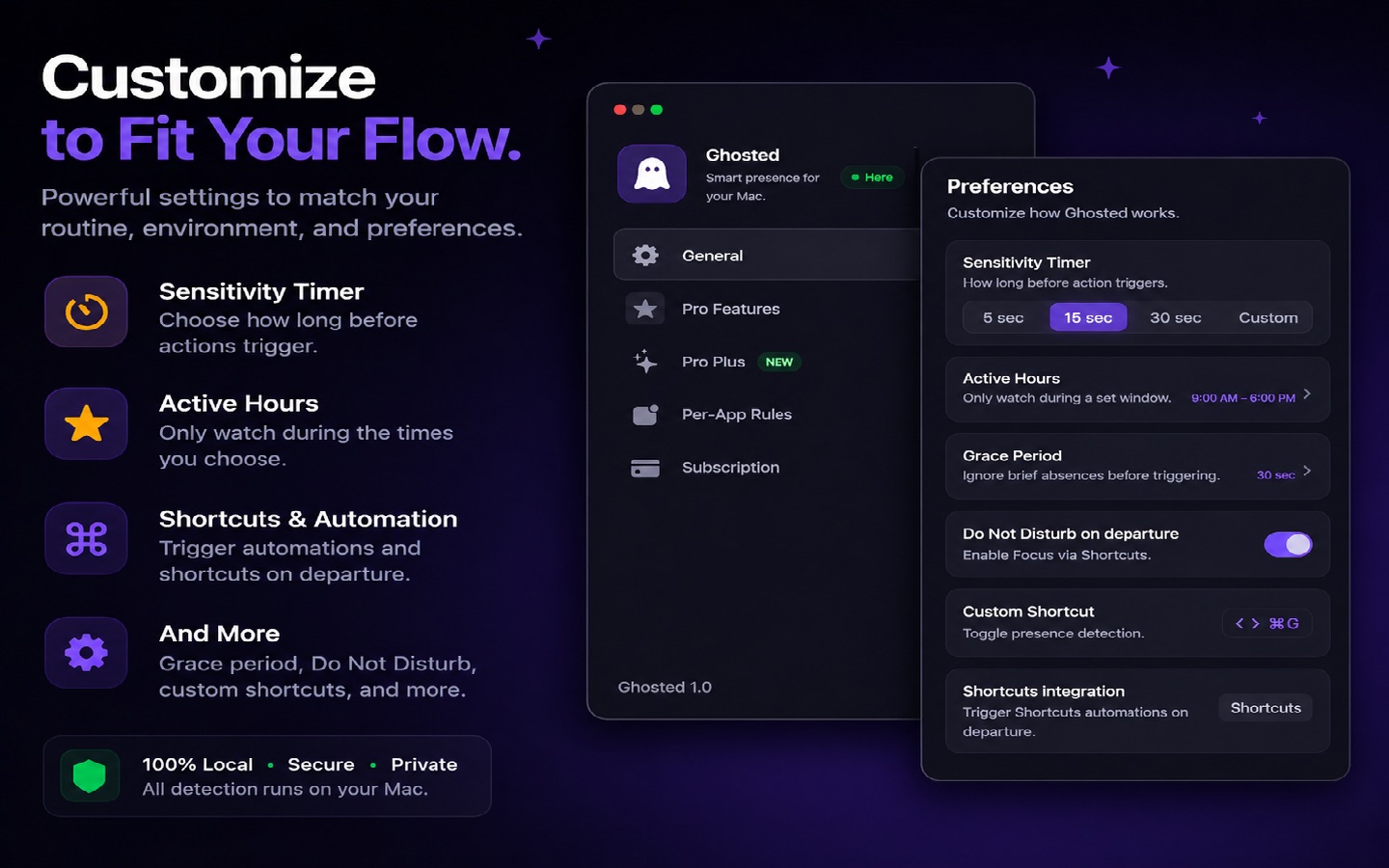
Sensitivity timer
Tune how quickly Ghosted reacts to your departure.
Active hours
Presence detection only during the hours you choose.
Grace period
Quick trips to the kitchen don't interrupt anything.
Do Not Disturb
Silence notifications on departure, via Shortcuts.
Per-app rules
Choose which apps pause and which keep playing.
Custom shortcut
Toggle Ghosted with a hotkey you pick.
Local-only data
Presence detection runs entirely on your Mac. No account, no cloud.
Pricing
One payment. Yours forever.
$14.99 once
Free for 7 days. No subscription, no account, free updates forever. Secure checkout by RevenueCat.
Buy GhostedDownload the app, try it free for 7 days, and unlock it here when you're ready. Already purchased? Restore from the app's settings.
FAQ
Questions
Does the camera record anything?
No. Presence detection runs entirely on your Mac. No video is stored, uploaded, or seen by anyone. Your camera privacy light works as normal.
How does the free trial work?
Download Ghosted and use every feature free for 7 days. When the trial ends, unlock it forever with a single payment.
What data do you collect?
None. Ghosted has no account and no analytics. Our payment processor, RevenueCat, sees your purchase — never your usage.
Can I get a refund?
Yes. Email support@blackstonerow.com within 14 days of purchase and we'll take care of it.
What do I need to run it?
A Mac running macOS 14 or later, with a camera. Ghosted lives in your menu bar.
How do I uninstall it?
Quit Ghosted from the menu bar, then move the app to the Trash. That's it — nothing lingers.